
If you would like to receive failure notifications via Slack, you will need to set up a Webhook. Here are the instructions to set one up.
1. Open Slack’s API Directory
Visit: https://api.slack.com/apps
Click “Create a New App”
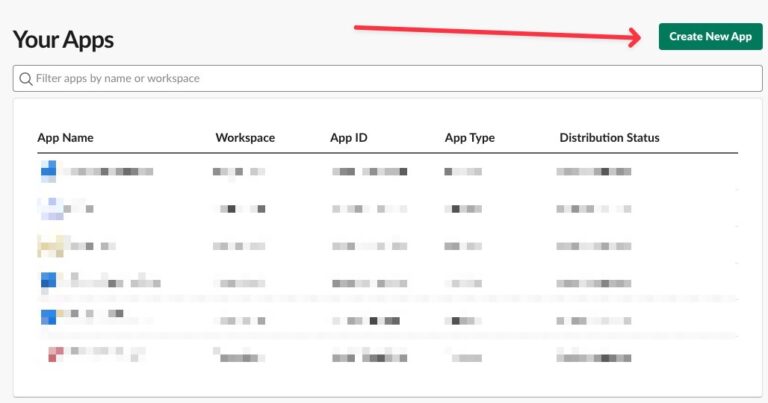
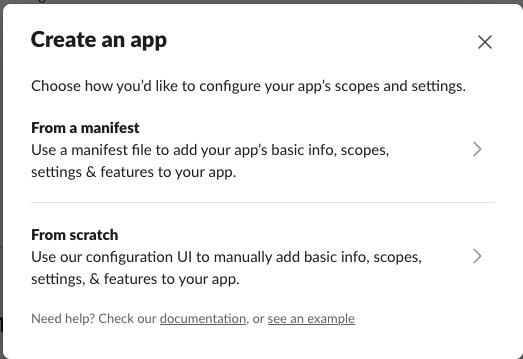
Choose “From Scratch”
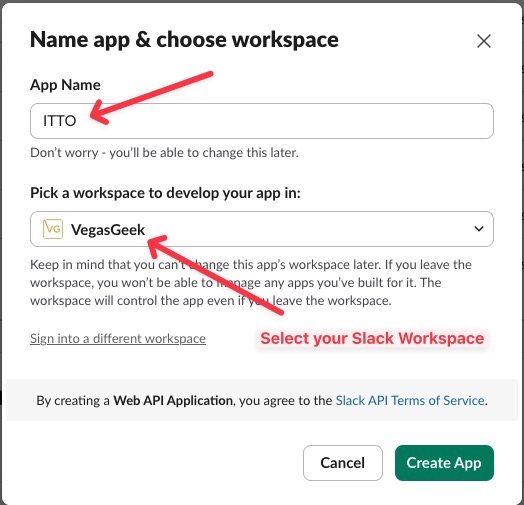
Name your app (e.g. “Did It Run notifications”)
Select your Slack workspace
2. Enable Incoming Webhooks
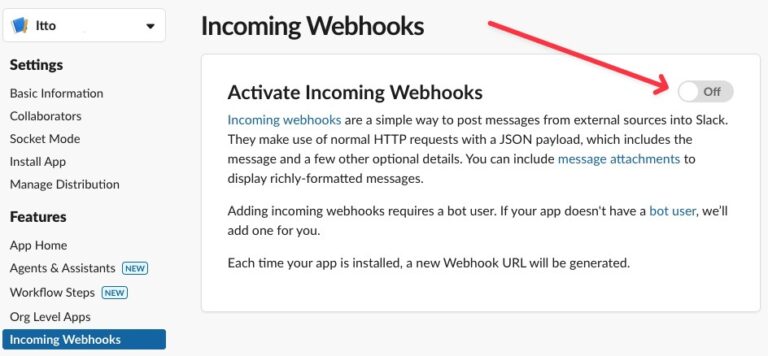
In the left sidebar, click “Incoming Webhooks”
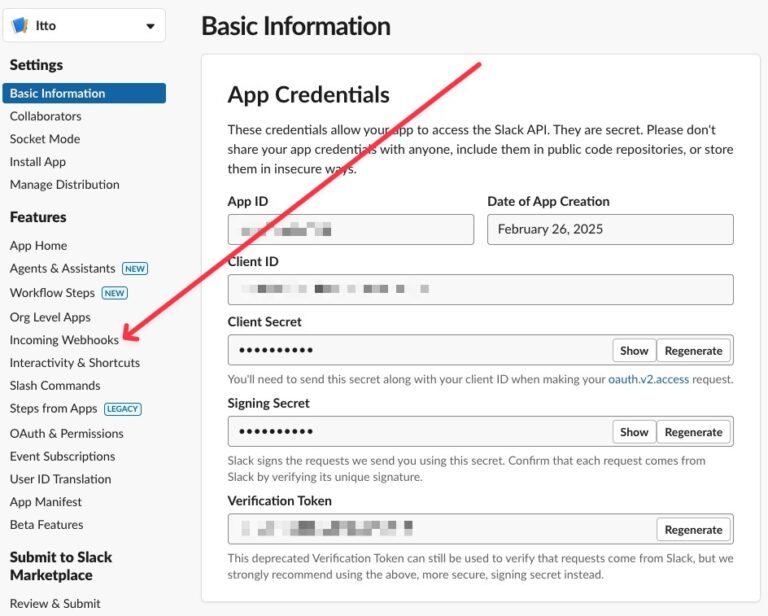
Toggle “Activate Incoming Webhooks” to On
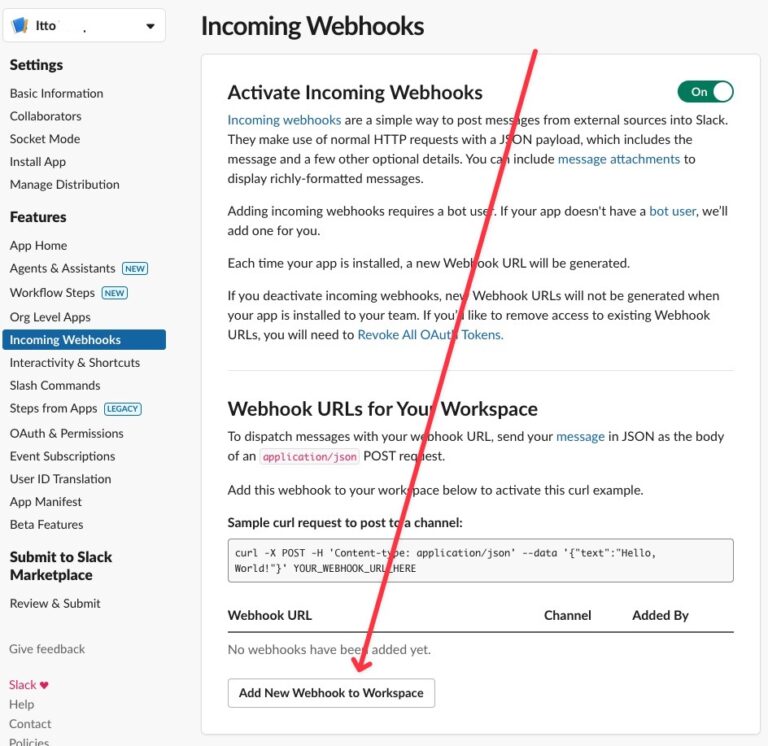
Click “Add New Webhook to Workspace”
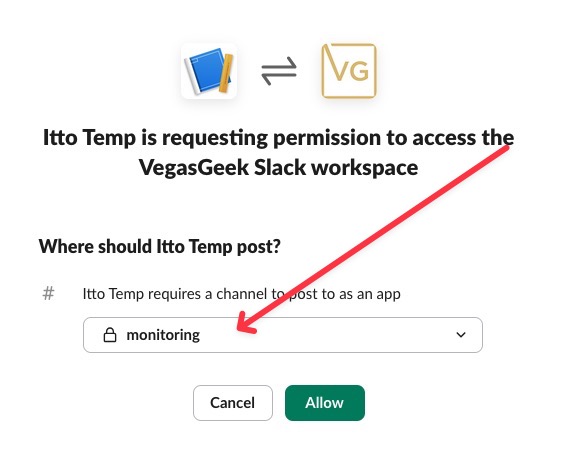
Choose the channel where you want notifications to appear
Click Allow
3. Get Your Webhook URL
After allowing access, you’ll see your webhook URL
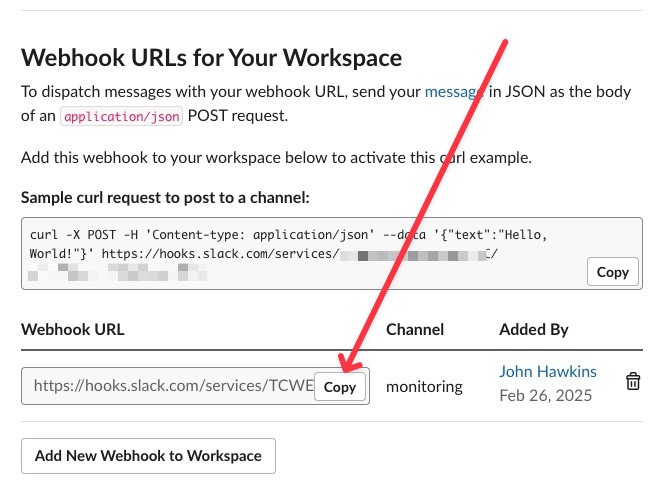
It will look like: https://hooks.slack.com/services/T00000000/B00000000/XXXXXXXXXXXXXXXXXXXXXXXX
4. Add your webhook to your Preferences page